

Wrist Menu
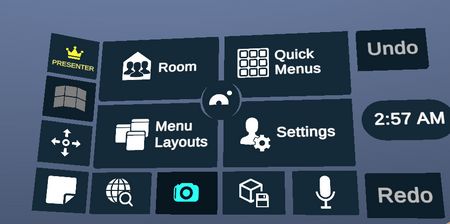
Wrist menu contains access to features independent from the content of the workspace such as quick menu access, room management.
Quick Menus
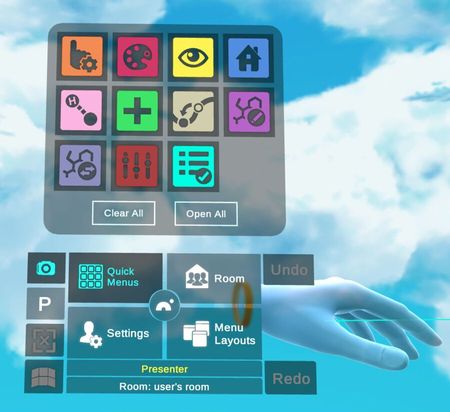
Toggle on and off each menu quickly or all at once.
Room
- Manage Users
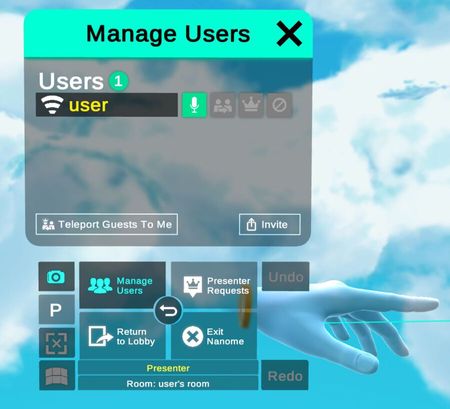
Manage users by giving them the presenter privilege or teleporting them.
- Presenter Requests
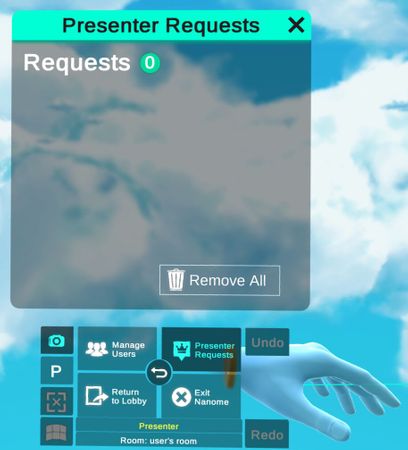
View the presenter requests and grant presenter privilege.
Menu Layouts
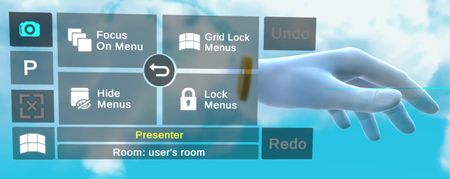
Quickly manage the enabled menus and format them in certain layouts.
Settings
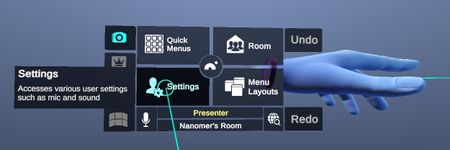
The center area of the settings menu has an indicator for your current mic volume. You can use this indicator to check if your mic is working.
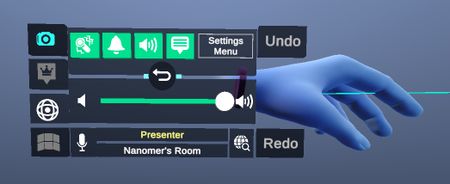
Click on "Settings Menu" to change additional settings such as sound volumes, environment backgrounds, and avatar customizations.
Sound

User

- Avatar Customizations
Change your display name, hairstyle, hair color, eyeglasses color, and shirt color.
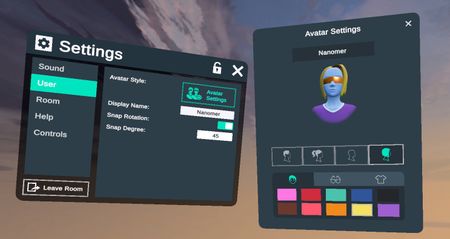
Room

Stacks

Help

Controls

Screenshot Tool
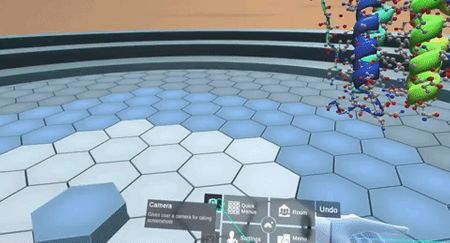
Use the screenshot tool to take a screenshot of your workspace and send it via email.
Camera as Desktop View

This option allows the in-app camera to be mirrored to your desktop (Desktop VR only).
Notepad
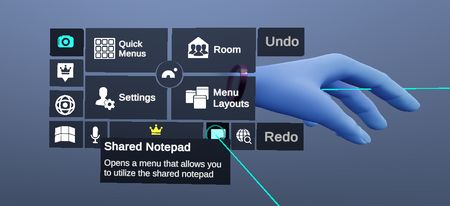
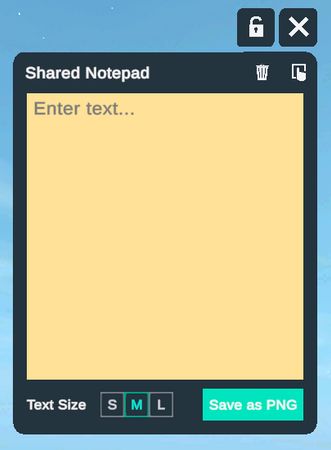
This can be used as a sticky note.
In-VR Web Browser

This is a web browser that can be accessed from within the virtual environment. The browser may be viewed by only a single user, or shared with everyone in the same workspace. Note: only one browser can be shared at a time.

