Action Menu
▶
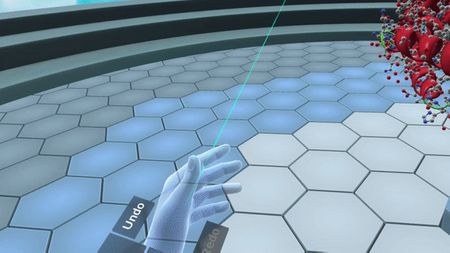
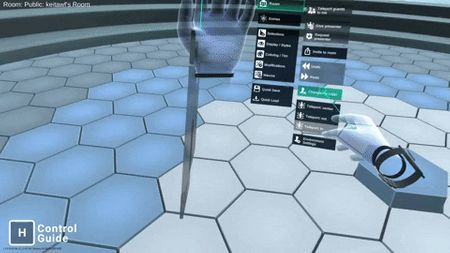
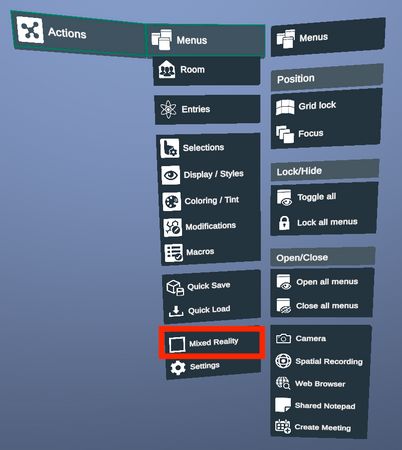
Action menu offers a quick access to all major features in Nanome anywhere. If you are using a Vive system, press and hold the touch pad on your left controller to activate the menu. If you are using an Oculus system, press and hold the Y button on your left controller to activate the menu.
Example of using the action menu to change avatar color
▶
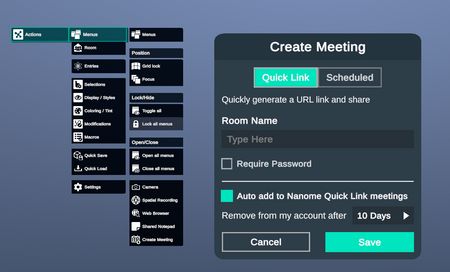
Use the action menu to set up a meeting
Use the action menu to activate MR passthrough (Meta Quest Pro and Meta Quest 3 only)
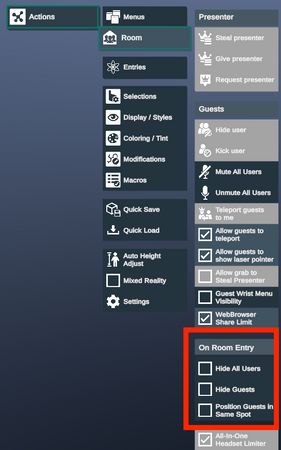
Use the action menu to change Presenter Setup Options.
When guests join the room, the presenter can toggle options to position all users in the presenter's current position, hide guests, or hide all users.