

2D UI
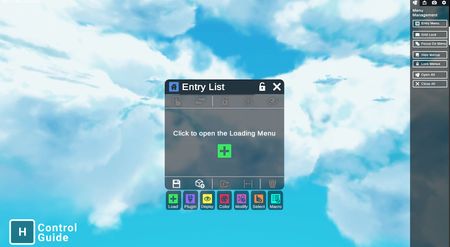
Nanome is accessible from a keyboard and mouse setup on a 2D monitor as well.
Room Tab
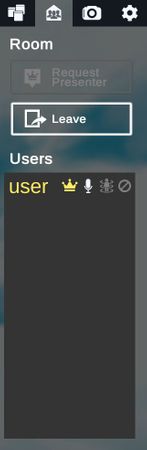
Manage users or request presenter privilege.
Menu Management Tab
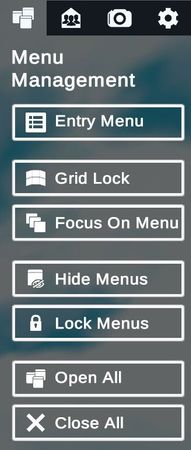
Toggle or manage menus.
View Navigation Tab
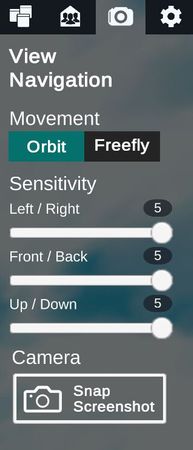
Change options for view control.
Settings Tab
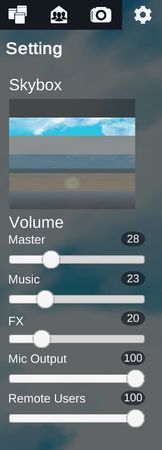
Change settings including volume and environment background.
Controls Tab
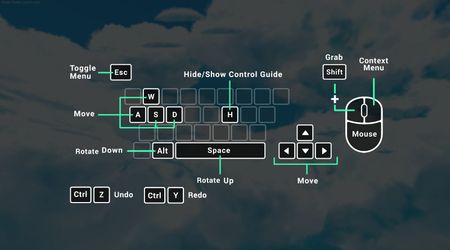
The control scheme can be accessed at any time by pressing the [H] key on the keyboard.
Nanome 2D Controller Bindings
Nanome also supports the use of a controller in 2D mode. You can find the controller bindings here.