

Manage Licenses
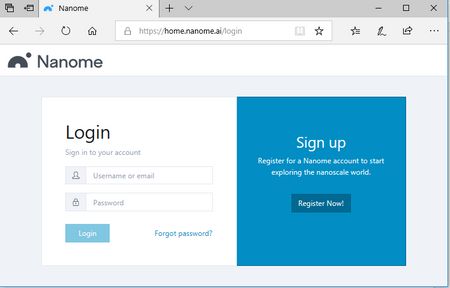
Step 1: Log into your account at https://home.nanome.ai
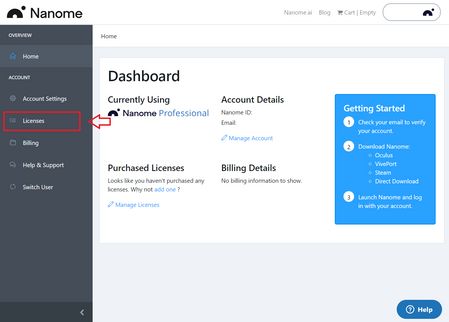
Step 2: On the dashboard, navigate to the left hand side and click on “Licenses”
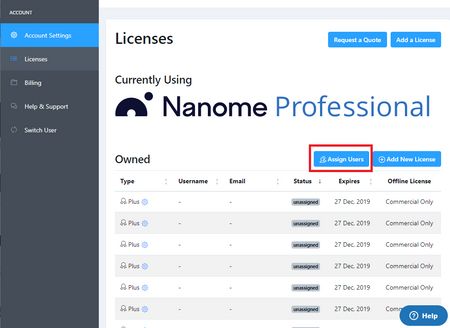
Step 3: Now under “Licenses”, click on "Assign Users" to start managing licenses
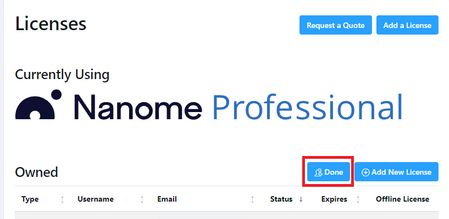
Step 4: Click on Done once you finish assigning your licenses in order to finalize the changes.
Assign Licenses

Type in the email address of the person that you want to assign your license to and click on the check mark to confirm. This will send a confirmation email. Once the email is confirmed, this person will gain access to features exclusive to this license.
Unassign Licenses

Click on the cross button to unassign the license.